How to Model a Hinged Link Bracelet in Rhino 3D | Heavy-Look Design #556
5.6K views · 2026-09-24
Industrial Design
Learn how to model a chunky link bracelet with a hidden pin-and-hinge mechanism in Rhino 3D.
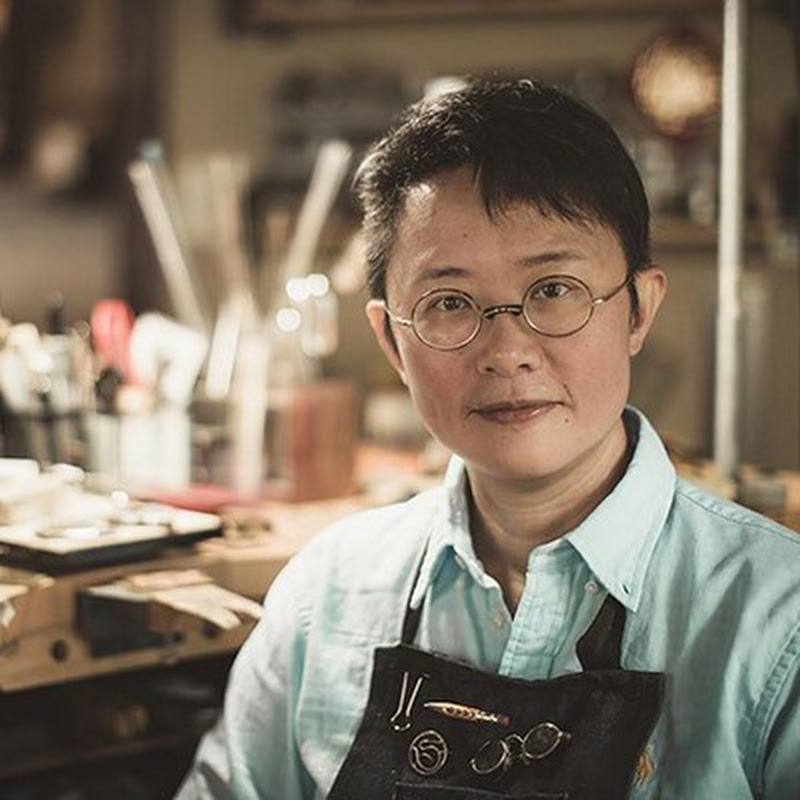
In this jewelry CAD tutorial, PJ Chen demonstrates how to create the appearance of large, heavy links while using smaller connecting components to control movement and reduce unnecessary mass.
You’ll learn how to build and bend the outer links, create the center connector, calculate pin and hole placement, provide clearance for rotation, cut and close the components, and repeat the mechanism around the bracelet. The tutorial also covers important production considerations for assembly and clasp placement.
💎 Learn more about jewelry clasps and mechanisms: https://pjs-school.thinkific.com/courses/ClaspModel
🔔 Don’t forget to subscribe for weekly Rhino 3D tips & tutorials: https://goo.gl/MJ4ExU
📧 Business inquiries: pj@pjchendesign.com
#Rhino3D #RhinoTutorial #JewelryDesign #PJChenDesign
In this jewelry CAD tutorial, PJ Chen demonstrates how to create the appearance of large, heavy links while using smaller connecting components to control movement and reduce unnecessary mass.
You’ll learn how to build and bend the outer links, create the center connector, calculate pin and hole placement, provide clearance for rotation, cut and close the components, and repeat the mechanism around the bracelet. The tutorial also covers important production considerations for assembly and clasp placement.
💎 Learn more about jewelry clasps and mechanisms: https://pjs-school.thinkific.com/courses/ClaspModel
🔔 Don’t forget to subscribe for weekly Rhino 3D tips & tutorials: https://goo.gl/MJ4ExU
📧 Business inquiries: pj@pjchendesign.com
#Rhino3D #RhinoTutorial #JewelryDesign #PJChenDesign