Turn a 2D Image into a 3D Jewelry Model | Rhino 3D Modeling Tutorial #559
5.5K views · 2026-10-29
Industrial Design
Learn how to turn a flat 2D flower image into a dimensional jewelry model using Rhino 3D.
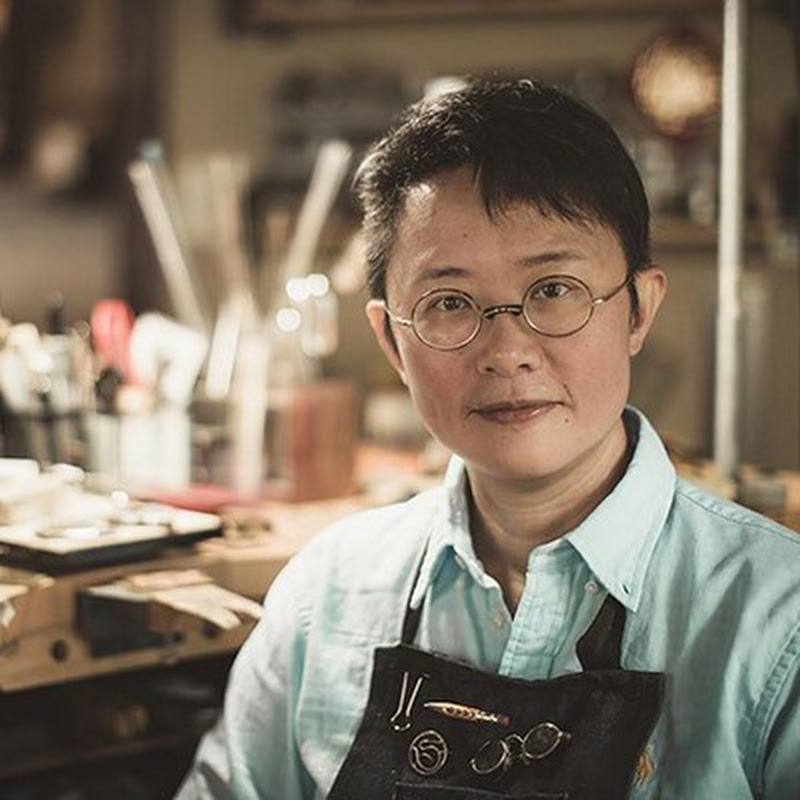
In this jewelry CAD tutorial, PJ Chen demonstrates how to import and trace a reference image, model one puffy flower petal, compare Sweep2 with Network Surface, and repeat the completed petal into a five-petal flower design.
You’ll also learn why Maintain Height does not work when two rails meet at a single point, and how Record History allows you to adjust the petal’s depth and curvature in real time.
💎 Continue with jewelry CAD stone setting: https://pjs-school.thinkific.com/courses/stonemini
✨ Join Our Community:
📩 Signup Newsletter to download the stone file at https://mailchi.mp/f3d9b32b0552/stone
🔔 Don’t forget to subscribe for weekly Rhino 3D tips & tutorials: https://goo.gl/MJ4ExU
📧 Business inquiries: pj@pjchendesign.com
#Rhino3D #RhinoTutorial #JewelryDesign #PJChenDesign
In this jewelry CAD tutorial, PJ Chen demonstrates how to import and trace a reference image, model one puffy flower petal, compare Sweep2 with Network Surface, and repeat the completed petal into a five-petal flower design.
You’ll also learn why Maintain Height does not work when two rails meet at a single point, and how Record History allows you to adjust the petal’s depth and curvature in real time.
💎 Continue with jewelry CAD stone setting: https://pjs-school.thinkific.com/courses/stonemini
✨ Join Our Community:
📩 Signup Newsletter to download the stone file at https://mailchi.mp/f3d9b32b0552/stone
🔔 Don’t forget to subscribe for weekly Rhino 3D tips & tutorials: https://goo.gl/MJ4ExU
📧 Business inquiries: pj@pjchendesign.com
#Rhino3D #RhinoTutorial #JewelryDesign #PJChenDesign