Build a Stunning Portfolio Website in Minutes with AI
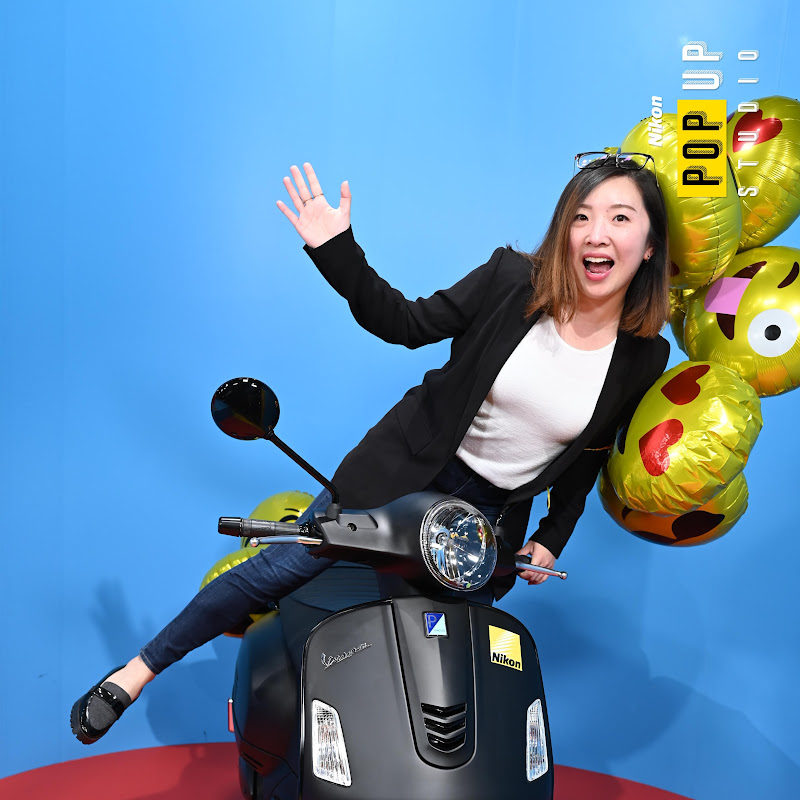
In this video, I will share with you how to build a stunning portfolio website in minutes using Readdy AI. You will learn how to create and edit your designs through natural language. Go to https://readdy.ai to start your own professional website.
Timestamps:
00:00 Intro
00:23 Readdy AI
00:57 Getting started
01:37 Review outline
03:03 Edit Text
03:35 Edit Image
04:05 Create subpage
05:29 Video effects
06:08 Form builder
06:44 Publish and Export
07:12 Summary
Please subscribe, like and comment to support my channel, so I can keep creating content for you. 💕
-- --
ABOUT ME
I'm a UX Designer based in the San Francisco bay area. I am passionate about helping people break into UX and grow. Let's connect!
-- --
CONNECT & LEARN
UX Coaching: https://www.shujdesign.com/coaching
Helpful resources: https://www.shujdesign.com/resources
Instagram: https://instagram.com/yobi321
-- --
OTHER UX VIDEOS:
How to get into UX: https://youtu.be/GK884zYcMhg
How to Nail Your UX Resume: https://youtu.be/77Pzjg0VKH4
5 tips for creating a UX design portfolio: https://youtu.be/iF-X8ZjALbQ
5 tips for UX job search: https://youtu.be/k_Tzjj5IoqM
How to Prepare for a UX job interview: https://youtu.be/WL_jQ80vaMU
How to prep for whiteboard challenges: https://youtu.be/eTTSCl6Va6U
3 things to avoid at portfolio presentations: https://youtu.be/4KarOtBnT94
UX Portfolio Review Series: https://youtube.com/playlist?list=PLsl_PBkaw3sgDWvp-INAYPDkQ-knvSEPG
Disclaimer: This video is sponsored by Readdy AI. Some of the links are affiliated. My opinions are my own and they do not represent my employer in any way.
#webdesign #ai #generativeai #ux #uxui #readdy #uxdesign #uxdesigner #websitedevelopment #websitedesign #websitebuild #websitetricks #freelancedesigner #portfoliowebsite #userexperience #productdesign #productdesigner #interactiondesign #interactiondesigner