Photoshop For Beginner Complete Course 2026 In Hindi | Anchal Tiwari
1.8万 次观看 · 2026-02-11
视觉设计
Book your seat
Contact - 9187297517
If you’re struggling to learn Photoshop or feel overwhelmed after seeing the interface, then this tutorial is for you.
I’ve explained everything step-by-step to help you understand the basics of Photoshop. Not only that, but I’ve also shared detailed explanations to make learning easier.
I’ve included live examples and demonstrated how to use layers, shapes, the Pen Tool, and other important tools that will elevate your designs. We also discussed Motion Blur and Gaussian Blur, with real examples to help you understand the concepts clearly.
If you like this video, make sure to like, comment, and subscribe to my channel.
Timestamp
00:00- Intro
01:08- Basic interface
05:30- Move tool
06:07- Layers
09:07- Shapes
15:32- Background Remove
17:43- Image
20:45- Marquee tool
22:08- Lasso tool/ polygonal tool
26:56- Object selection tool
28:32- Filters
30:56- Brush tool
32:04- Pencil tool
33:38- Eraser tool
34:03- Text
36:42- Pen tool
38:27- Shadow & reflection
-----------------------------------------------
About me :
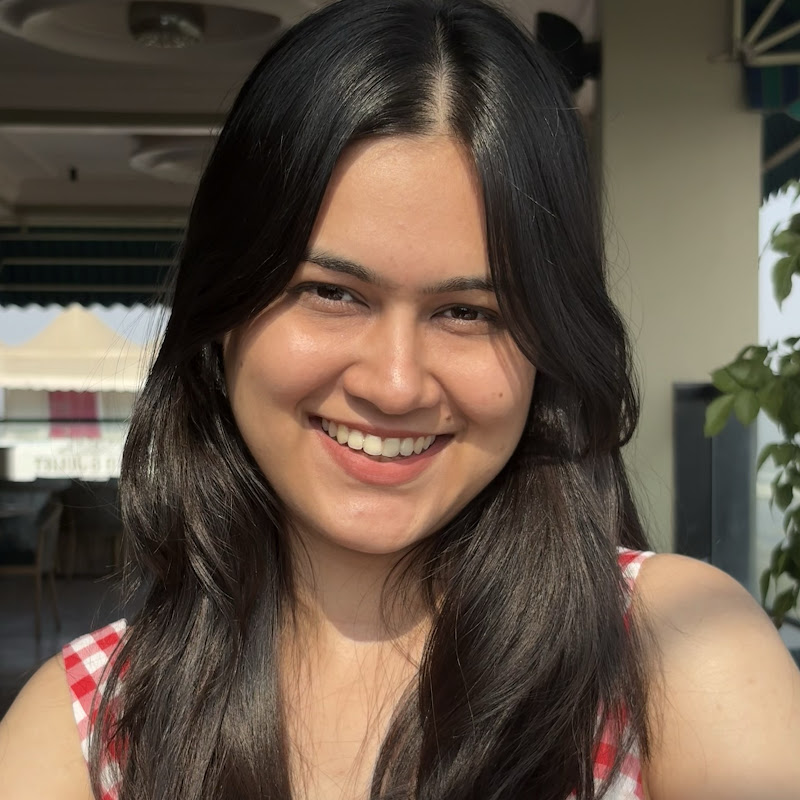
Anchal Tiwari, a 23-year-old graphic designer from a small town in Madhya Pradesh, has transitioned into an agency owner. After graduating with no job or skills, I took up graphic design, built a strong portfolio, and secured a job at a startup. However, I soon realized that I was not a "job person" and left the job after 22 days to focus on freelancing and My YouTube channel.
#photoshoptutorial #photoshoot #graphicdesignforbeginners
Contact - 9187297517
If you’re struggling to learn Photoshop or feel overwhelmed after seeing the interface, then this tutorial is for you.
I’ve explained everything step-by-step to help you understand the basics of Photoshop. Not only that, but I’ve also shared detailed explanations to make learning easier.
I’ve included live examples and demonstrated how to use layers, shapes, the Pen Tool, and other important tools that will elevate your designs. We also discussed Motion Blur and Gaussian Blur, with real examples to help you understand the concepts clearly.
If you like this video, make sure to like, comment, and subscribe to my channel.
Timestamp
00:00- Intro
01:08- Basic interface
05:30- Move tool
06:07- Layers
09:07- Shapes
15:32- Background Remove
17:43- Image
20:45- Marquee tool
22:08- Lasso tool/ polygonal tool
26:56- Object selection tool
28:32- Filters
30:56- Brush tool
32:04- Pencil tool
33:38- Eraser tool
34:03- Text
36:42- Pen tool
38:27- Shadow & reflection
-----------------------------------------------
About me :
Anchal Tiwari, a 23-year-old graphic designer from a small town in Madhya Pradesh, has transitioned into an agency owner. After graduating with no job or skills, I took up graphic design, built a strong portfolio, and secured a job at a startup. However, I soon realized that I was not a "job person" and left the job after 22 days to focus on freelancing and My YouTube channel.
#photoshoptutorial #photoshoot #graphicdesignforbeginners