After Effects Essentials: Who is it for & What does it do? Your questions answered!
5.6K views · 2026-10-15
Motion Design
Black Friday Sale - Join BYOL now & save 30% on all plans: https://byol.com/cyber26
Watch + join BYOL for the full After Effects Essentials Course and 10% off: https://byol.com/afxlive
Download a free trial of Adobe After Effects: https://byol.com/adobeafx
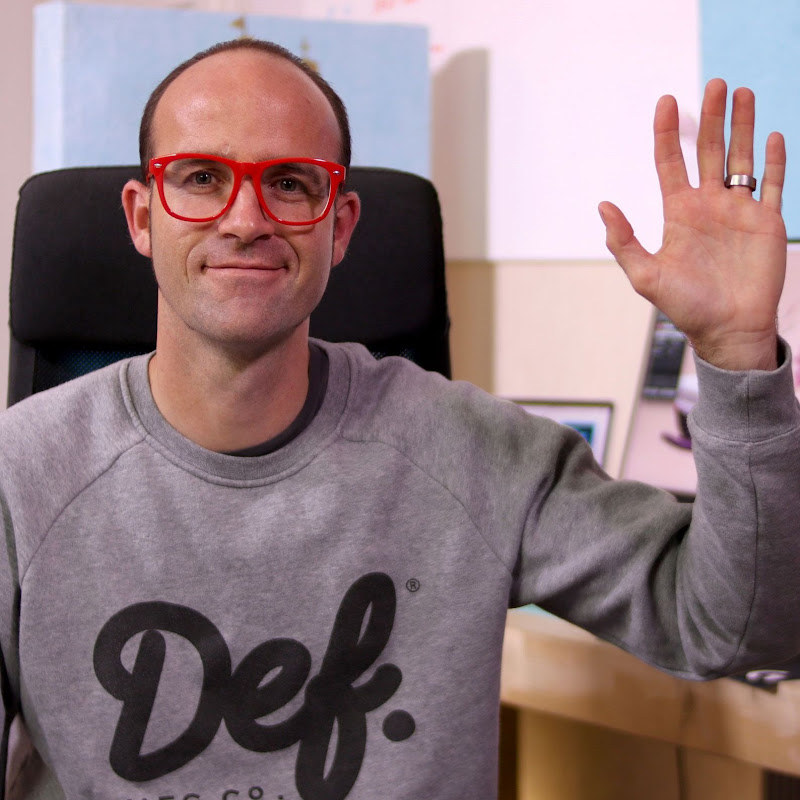
To celebrate the launch of our new After Effects Essentials course, Dan and instructor Kyle Hamrick go live for a discussion of all things After Effects. What does it do, who is it for, and how can you as a designer make the most of the tools available without getting bogged down in exhaustive features? Your questions asked and answered live!
-----
Taught by motion designer, video editor, and Adobe-certified instructor Kyle Hamrick, After Effects Essentials is your entry point into the industry-standard tool for motion graphics, visual effects, and digital compositing. You already know how to design, but After Effects adds a new material to work with: time. Once you start thinking in keyframes instead of flat layouts, everything from a simple logo animation to a fully composited scene becomes fair game.
Kyle takes a hands-on, project-based approach, and he's upfront about it: you don't need to master every corner of this famously deep app. In his words, about 10% of After Effects covers 90% of what you'll actually use, and this course zeroes in on exactly that, while making sure you understand the "why" behind each tool so you can keep building skills well beyond the course itself.
Together with Kyle, you'll learn how to:
- Confidently navigate the After Effects interface and workflow
- Animate with keyframes, easing, and the Graph Editor for natural motion
- Import and animate layered Photoshop and Illustrator files
- Build animated infographics, titles, and looping promos from scratch
- Composite video with masks, effects, and motion blur
- Cut out, key, and track footage using compositing and tracking tools
Each project builds on the last using a randomized creative brief, so no two students end up animating the exact same thing. You'll progress from your first simple keyframes to full multimedia scenes, building animated bar and line graphs from provided project files and constructing a generative scene using nothing but shapes and effects. Later sections tackle real production challenges like green screen compositing, motion tracking, screen replacements, and a gentle introduction to 3D space and parallax.
By the end, you'll have a reel's worth of portfolio-ready projects and the confidence to open a blank composition and turn it into whatever you can imagine. Let's get animating!
0:00 After Effects Essentials Introduction
0:49 What Is After Effects and Who Is It For?
3:08 After Effects vs Premiere Pro and Canva
4:55 Who Is the Essentials Course For?
6:45 Kyle’s Journey into After Effects
8:18 Why Motion Skills Matter for Designers
9:38 Do You Need Premiere Pro Before After Effects?
11:33 Creative Possibilities in After Effects
13:42 Using After Effects with Other Adobe Programs
15:20 How Difficult Is After Effects to Learn?
18:39 Course Support and Certificates
20:00 Can You Use After Effects on an Older Computer?
22:35 Favourite After Effects Features
24:13 Should You Learn After Effects in the Age of AI?
27:23 Course Details and Closing
Join the Bring Your Own Laptop Facebook Group: https://www.byol.com/FB
Follow me on Instagram: https://www.byol.com/IG
Follow me on TikTok: https://www.byol.com/tiktok/
Follow me on Twitter: https://twitter.com/danlovesadobe
Join the LinkedIn Group: https://www.byol.com/LINKEDIN/
Watch + join BYOL for the full After Effects Essentials Course and 10% off: https://byol.com/afxlive
Download a free trial of Adobe After Effects: https://byol.com/adobeafx
To celebrate the launch of our new After Effects Essentials course, Dan and instructor Kyle Hamrick go live for a discussion of all things After Effects. What does it do, who is it for, and how can you as a designer make the most of the tools available without getting bogged down in exhaustive features? Your questions asked and answered live!
-----
Taught by motion designer, video editor, and Adobe-certified instructor Kyle Hamrick, After Effects Essentials is your entry point into the industry-standard tool for motion graphics, visual effects, and digital compositing. You already know how to design, but After Effects adds a new material to work with: time. Once you start thinking in keyframes instead of flat layouts, everything from a simple logo animation to a fully composited scene becomes fair game.
Kyle takes a hands-on, project-based approach, and he's upfront about it: you don't need to master every corner of this famously deep app. In his words, about 10% of After Effects covers 90% of what you'll actually use, and this course zeroes in on exactly that, while making sure you understand the "why" behind each tool so you can keep building skills well beyond the course itself.
Together with Kyle, you'll learn how to:
- Confidently navigate the After Effects interface and workflow
- Animate with keyframes, easing, and the Graph Editor for natural motion
- Import and animate layered Photoshop and Illustrator files
- Build animated infographics, titles, and looping promos from scratch
- Composite video with masks, effects, and motion blur
- Cut out, key, and track footage using compositing and tracking tools
Each project builds on the last using a randomized creative brief, so no two students end up animating the exact same thing. You'll progress from your first simple keyframes to full multimedia scenes, building animated bar and line graphs from provided project files and constructing a generative scene using nothing but shapes and effects. Later sections tackle real production challenges like green screen compositing, motion tracking, screen replacements, and a gentle introduction to 3D space and parallax.
By the end, you'll have a reel's worth of portfolio-ready projects and the confidence to open a blank composition and turn it into whatever you can imagine. Let's get animating!
0:00 After Effects Essentials Introduction
0:49 What Is After Effects and Who Is It For?
3:08 After Effects vs Premiere Pro and Canva
4:55 Who Is the Essentials Course For?
6:45 Kyle’s Journey into After Effects
8:18 Why Motion Skills Matter for Designers
9:38 Do You Need Premiere Pro Before After Effects?
11:33 Creative Possibilities in After Effects
13:42 Using After Effects with Other Adobe Programs
15:20 How Difficult Is After Effects to Learn?
18:39 Course Support and Certificates
20:00 Can You Use After Effects on an Older Computer?
22:35 Favourite After Effects Features
24:13 Should You Learn After Effects in the Age of AI?
27:23 Course Details and Closing
Join the Bring Your Own Laptop Facebook Group: https://www.byol.com/FB
Follow me on Instagram: https://www.byol.com/IG
Follow me on TikTok: https://www.byol.com/tiktok/
Follow me on Twitter: https://twitter.com/danlovesadobe
Join the LinkedIn Group: https://www.byol.com/LINKEDIN/