Elevate Your Designs with Motion (After Effects Tips for Designers)
4273 次观看 · 2026-01-07
动效设计
Black Friday Sale - Join BYOL now & save 30% on all plans: https://byol.com/cyber26
Pre-Register for Kyle's Adobe After Effects Course: https://byol.com/ae26pr
Try After Effects for Free: https://byol.com/askbaaef
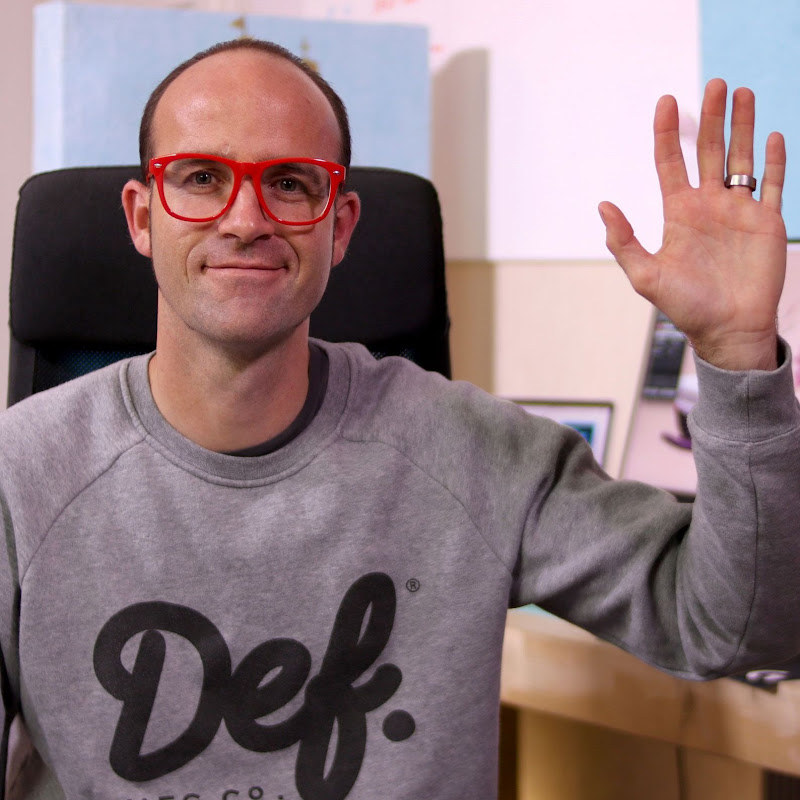
Designs that move get noticed, and adding motion to your work doesn’t have to be intimidating. In this video, Emmy-winning motion designer and Adobe-certified instructor Kyle Hamrick shares a handful of practical After Effects tips, from working smarter with adjustment and shape layers to animating textures, using track mattes, and adding depth with simple 3D camera moves. If you already use tools like Photoshop and Illustrator, much of After Effects will feel surprisingly familiar. Ready to bring a little more motion into your designs? Let’s go!
00:39 Tip 1: Designing Effect-ively
02:44 Tip 2: Become a Time Traveler
04:27 Tip 3: Get Yourself In Shape
8:28 Tip 4: Tremendous Texture Tips
12:15 Tip 5: Explore a New Dimension
#aftereffects #aftereffectstutorial #aftereffectsedit
Pre-Register for Kyle's Adobe After Effects Course: https://byol.com/ae26pr
Try After Effects for Free: https://byol.com/askbaaef
Designs that move get noticed, and adding motion to your work doesn’t have to be intimidating. In this video, Emmy-winning motion designer and Adobe-certified instructor Kyle Hamrick shares a handful of practical After Effects tips, from working smarter with adjustment and shape layers to animating textures, using track mattes, and adding depth with simple 3D camera moves. If you already use tools like Photoshop and Illustrator, much of After Effects will feel surprisingly familiar. Ready to bring a little more motion into your designs? Let’s go!
00:39 Tip 1: Designing Effect-ively
02:44 Tip 2: Become a Time Traveler
04:27 Tip 3: Get Yourself In Shape
8:28 Tip 4: Tremendous Texture Tips
12:15 Tip 5: Explore a New Dimension
#aftereffects #aftereffectstutorial #aftereffectsedit