New Course: After Effects Essentials
5K views · 2026-10-07
Motion Design
Black Friday Sale - Join BYOL now & save 30% on all plans: https://byol.com/cyber26
Watch + join BYOL for the full After Effects Essentials Course and 10% off: https://byol.com/af26
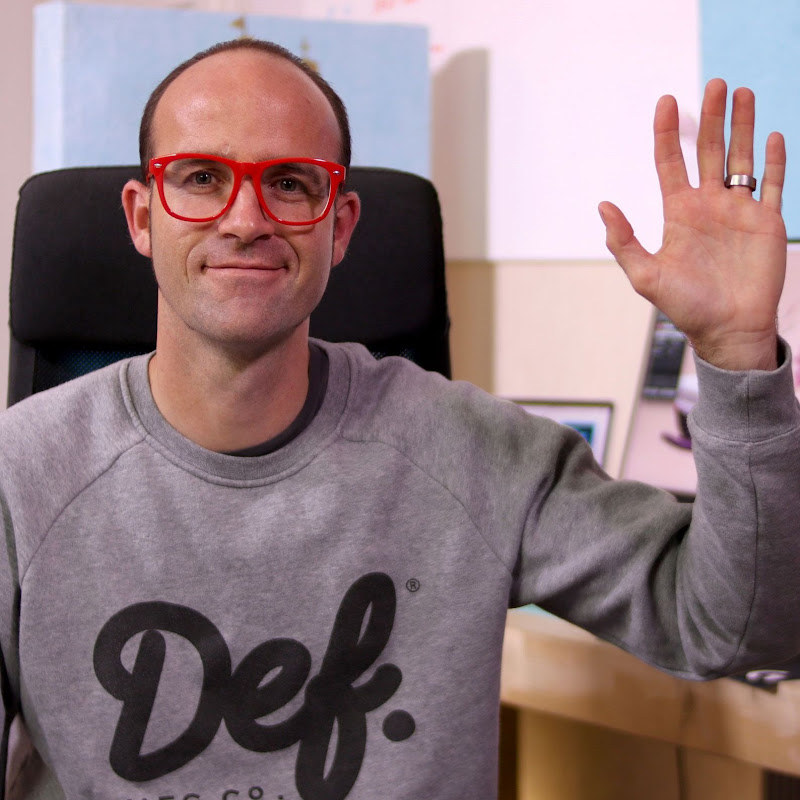
Learn Adobe After Effects with motion designer, video editor, and Adobe Certified Instructor Kyle Hamrick! Whether you've never opened After Effects or you've tried it and felt overwhelmed, this course gives you a clear, hands-on path to creating motion graphics, visual effects, and composited scenes with confidence.
In this course, you'll learn how to:
- Navigate the After Effects interface and workflow
- Animate with keyframes, easing, and the Graph Editor for natural motion
- Import and animate layered Photoshop and Illustrator files
- Build animated infographics, titles, and looping promos
- Composite video with masks, effects, green screen keying, and motion blur
- Track footage and replace screens with point, planar, and 3D Camera trackers
Through hands-on projects, you'll build real-world experience while learning the tools and techniques motion designers use every day. Whether you're a graphic designer, video editor, content creator, or complete beginner, this beginner-friendly Adobe After Effects course will help you build a portfolio of motion projects and turn a blank composition into whatever you can imagine.
#AdobeAfterEffects #AfterEffectsTutorial #MotionGraphics #MotionDesign #AdobeCreativeCloud
Watch + join BYOL for the full After Effects Essentials Course and 10% off: https://byol.com/af26
Learn Adobe After Effects with motion designer, video editor, and Adobe Certified Instructor Kyle Hamrick! Whether you've never opened After Effects or you've tried it and felt overwhelmed, this course gives you a clear, hands-on path to creating motion graphics, visual effects, and composited scenes with confidence.
In this course, you'll learn how to:
- Navigate the After Effects interface and workflow
- Animate with keyframes, easing, and the Graph Editor for natural motion
- Import and animate layered Photoshop and Illustrator files
- Build animated infographics, titles, and looping promos
- Composite video with masks, effects, green screen keying, and motion blur
- Track footage and replace screens with point, planar, and 3D Camera trackers
Through hands-on projects, you'll build real-world experience while learning the tools and techniques motion designers use every day. Whether you're a graphic designer, video editor, content creator, or complete beginner, this beginner-friendly Adobe After Effects course will help you build a portfolio of motion projects and turn a blank composition into whatever you can imagine.
#AdobeAfterEffects #AfterEffectsTutorial #MotionGraphics #MotionDesign #AdobeCreativeCloud